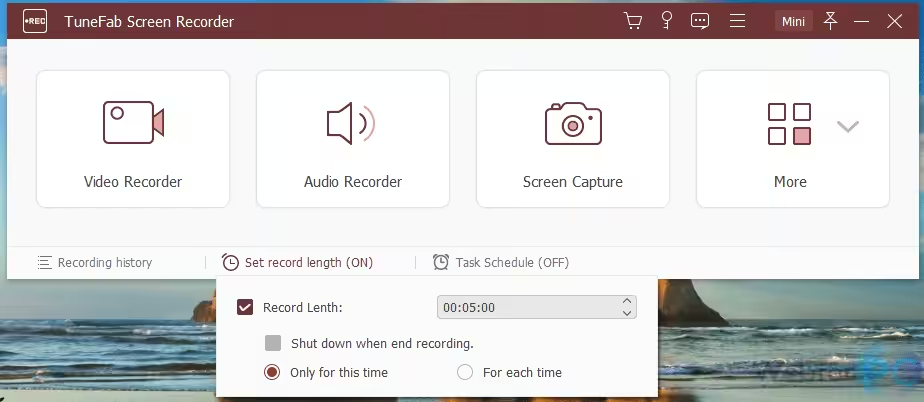
TuneFab Screen Recorder a professional video screen recording software will capture your screen for Windows computers in several steps. Create your own video for a specific region/webcam with or without audio here.
Features
- Screen Recording Made Easy: Record screen activity, webcam, live streaming video, gameplay, program activity, online meeting, and more with or without sound.
- Make Real-Time Editing: Make an outstanding screen recording with a real-time drawing panel. You can add text, arrows, and outlines to recorded videos or screenshots.
- Select Recording Area: Record your screen or capture screenshots in any customized region or full screen. You can record a locked window and fixed region.
- Convert Video/Audio: Save video and audio recordings as high-quality MP4, WMV, MOV, F4V, AVI, GIF, MP3, M4A, AAC, and more popular formats.
- Take Screenshots: Easily take and save the screenshot as JPG, PNG, BMP, GIF, and TIFF files. You also have the option to pin the screenshot to your screen.
- Upload & Share: You are allowed to export, upload, and share the video to social network sites such as YouTube, Facebook, Instagram, Twitter, etc.