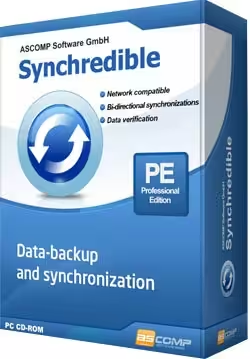
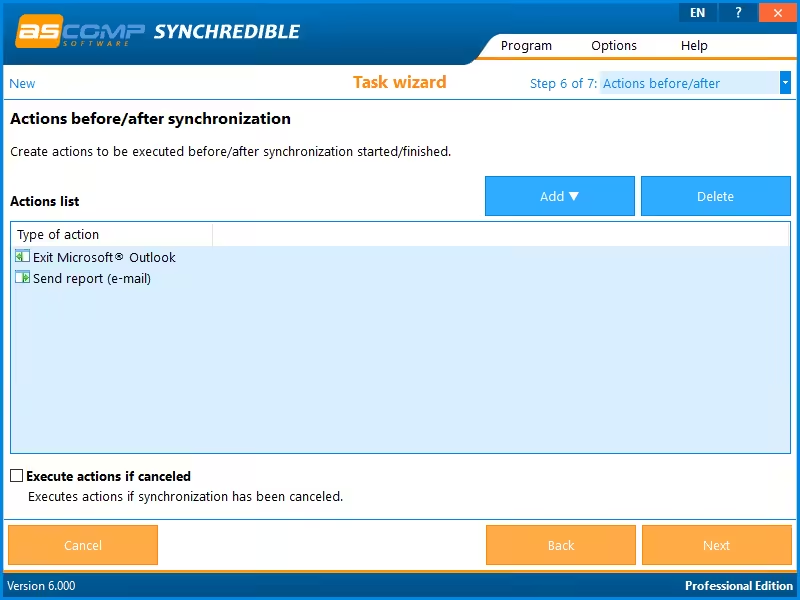
Synchredible Professional: Synchronize Your Folders and Drives In A Quick and Easy Way. Whether an individual file or an entire drive, Synchredible will synchronize, copy, and save them for you. A software wizard will assist you in determining jobs that are either pre-scheduled or to be done through a USB connection. This way, you can keep your files in sync – automatically!
Features
- Synchronizations in one direction: Copy files/folders from source to destination
- Bi-directional synchronization: Synchronize files and folder structures
- Synchronize to USB drives/sticks: Support of USB drives (internal/external)
- Network support: Synchronize files/folders in/to local area networks
- Synchronize subdirs: Synchronize all files/folders located in subdirs
- Synchronize all files: Synchronize all files (including not changed data)
- Skip unchanged files: Skip files that have not been changed since the last synchronization
- Synchronize newer files: Synchronize newer files only
- Archive bit synchronization: Synchronization of files with the archive bit set to true only / delete archive bit
- Delete files/folders: Delete files in the destination folder that have been deleted in the source folder
- Synchronize newly changed files
Synchronize files that have been changed in the last x days - Synchronization preview
Preview of files/folders to be synchronized - Interval synchronization: Execute synchronization in the selectable interval
- Time synchronization: Execute synchronization at a selectable time
- Synchronization at Windows start/log-off: Execute synchronization when Windows starts/logs off
- Restriction to days: Restrict synchronization execution to weekdays or month days