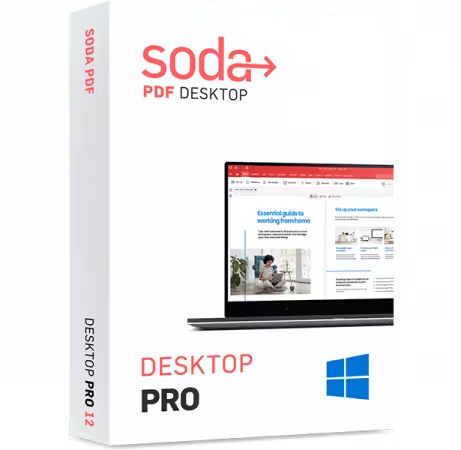
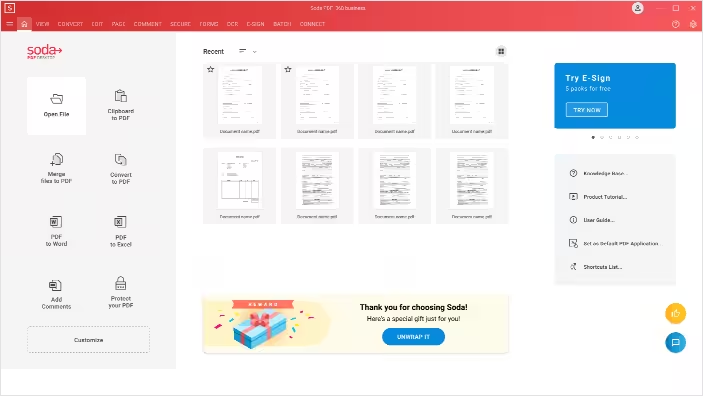
Soda PDF Desktop Pro is a powerful PDF tool that is made simple. Soda PDF was built with you in mind. Say goodbye to complicated software & hello to easy-to-use PDF tools. Edit, merge, convert, compress, sign & secure your documents in just a few clicks.
Features
- Edit: Gain full editing control over any PDF document. Revising a document is hard; we make it easy. Create, modify or remove text in your PDF. Draw, stamp, whiteout & highlight paragraphs.
- Merge & Compress: Shape your documents without losing their form. Merge various file types like Word, Excel & PowerPoint into a PDF. Rearrange or delete pages from your PDFs with ease and compress PDFs to a smaller file size without losing quality.
- Create & Convert: Put paperless solutions into power. Create PDFs from scratch, from a scan, URL or any document format. Convert Microsoft Office files to and from PDFs. The batch converts multiple files simultaneously.
- OCR: Oh snap! Spot text within images. Automatically scan & recognize text within an image. Manually select areas of an image for text recognition and turn individual or multiple-page ranges into editable PDFs.
- Prepare documents faster: Quickly convert multiple files with our batch tool. Avoid re-typing by transforming scanned documents or images into editable PDFs in just a few clicks.
- Manage files smarter: Protect your information through cost-effective security measures. Whiteout or redact sensitive information, secure files with a password or set permissions, export PDFs to other file types or archive your data using the PDF/A format.
- Edit: Gain full editing control over any PDF document.
- Compress: Reduce the size of any PDF without affecting file quality.
- Page: Rotate, reorder, add, or remove pages from any PDF document.
- Convert: Convert PDFs to or from MS Office files, images & more!
- Comment: Annotate directly on PDF using sticker notes, comments & more!
- Batch: Create & convert a batch of files or folders in one click.
- Secure: Protect PDF documents by adding 256-AES password encryption.
- Forms: Create fillable PDF forms, or fill any existing form with ease.
- OCR: Recognize & edit the text within any scanned document or image.