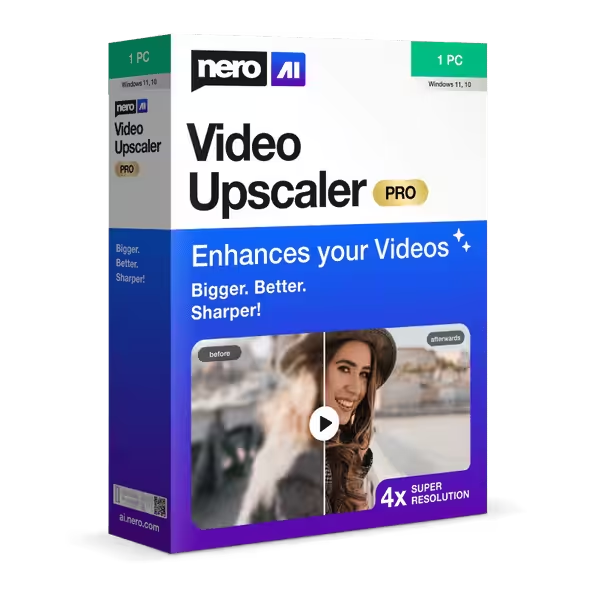
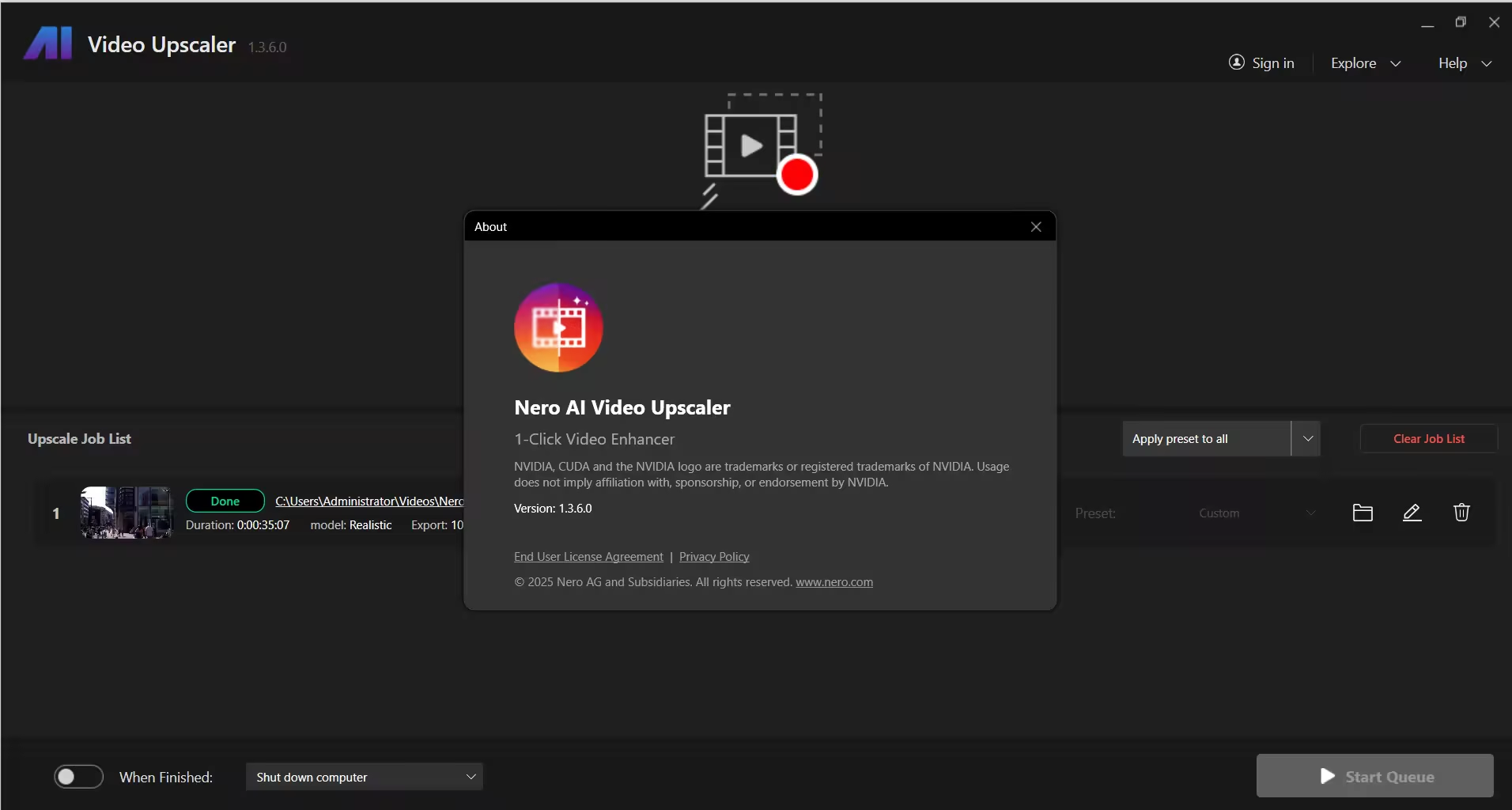
Bigger, better, sharper! With state-of-the-art AI technology, Nero AI Video Upscaler PRO takes your videos to the next level. Enlarge films, clips, and recordings up to 4K or 8K – razor-sharp, rich in detail and colourful. This makes old videos fresh again and new projects even more impressive.
Features
Super Resolution
- Enhance videos to 2x or 4x their original quality.
- Remove noise and grain, ensuring your videos are crystal clear.
6 AI models for every need
- Fast: Upscale quickly, perfect for time-sensitive projects.
- Animation: Recommended for animation and AI-generated content.
- Realistic: Enhance actual video footage for true-to-life quality.
- Versatile: Enhance the video quality with less artifacts and keep more details.
- Face Enhancement: Face detection, recognition, and video enhancement can be used to recover faces from old videos and increase overall quality.
- Restoration (New) – Designed to recover fine textures and revive old or low-quality footage.
Clip selection
- Enhance any clip within a video without the need for pre-cutting.
AI Frame Interpolation: Nero AI Video Upscaler intelligently analyzes your video frames and fills in the gaps to increase the frame rate, providing a truly smooth and fluid viewing experience. Boost your videos up to 120 FPS for the ultimate in seamless playback.
- Slow-Motion – Generate high-quality slow-motion effects without needing high-speed cameras.
- Low FPS Videos – Convert low FPS videos into 60 FPS or even up to 120 FPS for ultra-smooth, fluid motion.
- AI-Generated Videos – Ensure your AI-created videos play at up to 120 FPS for professional-grade output.