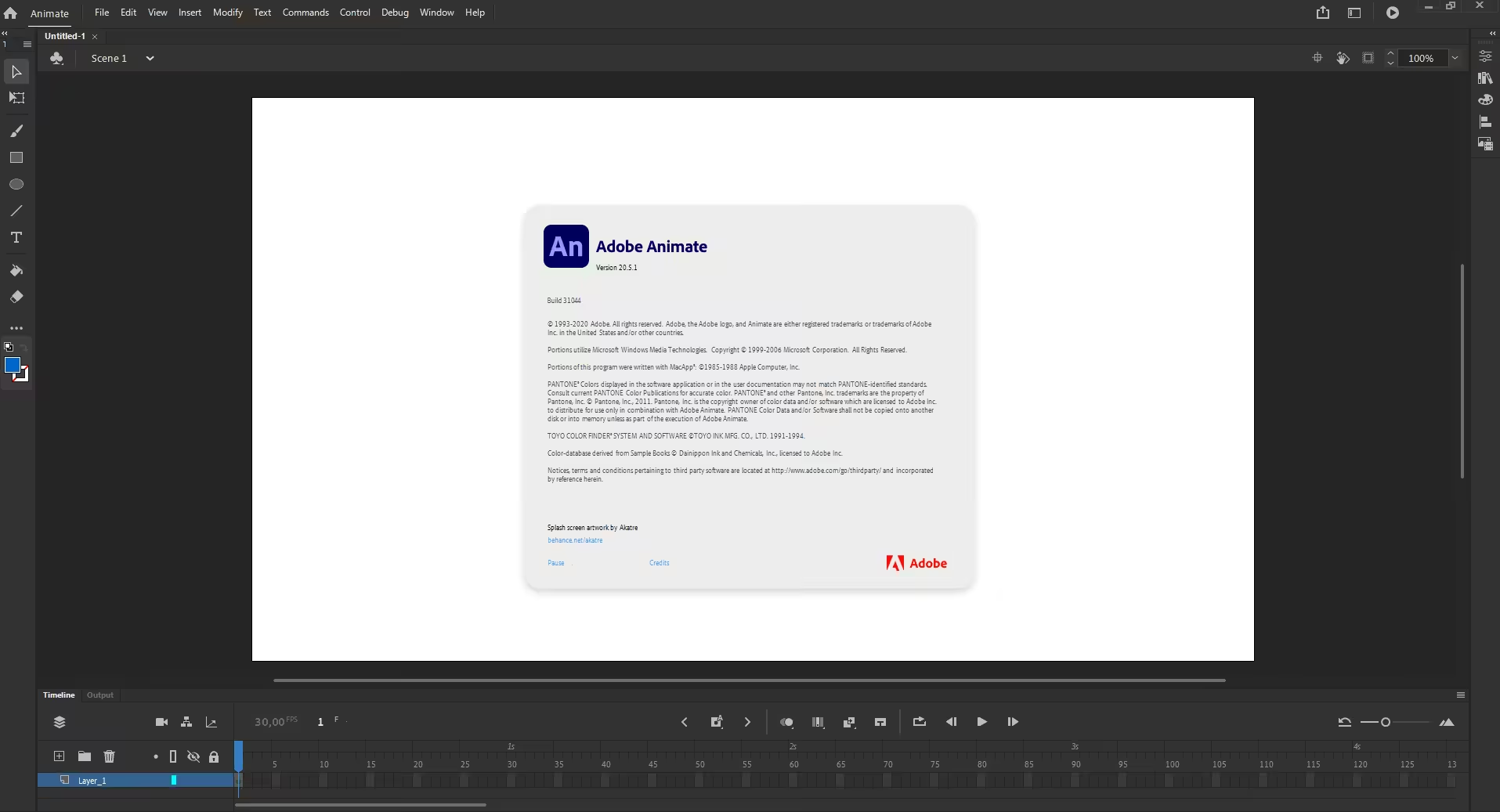
Adobe Animate is a new age for animation. Design interactive vector and bitmap animations for games, apps, and the web. Bring cartoons and banner ads to life. And add action to tutorials and infographics. With Animate CC, you can quickly publish to multiple platforms and reach viewers on desktop, mobile, and TV.
System Requirements
- Processor: Intel Pentium 4 or Intel Centrino, Intel Xeon, or Intel Core Duo (or compatible) processor (2GHz or faster processor)
- Operating system: Microsoft Windows 7 with Service Pack 1 or Windows 10 version 1703
- RAM: 2 GB of RAM (8 GB recommended)
- Hard disk space: 4 GB of available hard-disk space for installation; more free space required during installation (cannot install on removable flash storage devices)
- Monitor resolution: 1024×900 display (1280×1024 recommended)
- GPU: OpenGL version 3.3 or higher
Features
- Animate just about anything: The industry’s leading animation toolset lets you create apps, ads, and amazing multimedia content that moves across any screen.
- Get your game on: Create interactive web-based content for games and ads using powerful illustration and animation tools. Build game environments, design start screens, and interfaces, create interactive player sprites, and even integrate audio. With Animate, you can do all your asset design and coding right inside the app.
- Create characters that come alive: Sketch and draw more expressive characters with pressure- and tilt-sensitive vector brushes that work like the real thing. Make your characters blink, talk, and walk with simple frame-by-frame animation. And create interactive web banners that respond to user interactions such as mouse movement, touch, and clicks.
- Publish to any platform: Reach your audience on desktop, mobile, and TV by exporting your animations to multiple platforms, including HTML5 Canvas, WebGL, Flash/Adobe AIR, and custom platforms like SVG. You can include code right inside your projects and even add actions without having to code.
- Asset sculpting: Create new poses for vector or raster content using mesh deformation.
- Better layer control: Organize your layers in a parent-child hierarchy for easier animation between poses.
- Auto lip-sync: Thanks to Adobe Sensei, Animate now automatically matches mouth poses to sound inflections.
- VR authoring and publishing (beta): Use your 2D skills to export 360 VR animations and create an immersive experience for virtual walk-throughs.

Links Estão OFF, Por favor poderia corrigir?
Agradeço desde já… Adorei o Site… Ótimo Conteúdo… Parabéns…
Done
Parabéns pelo site, otimo conteudo, os links do Animate estão OFF poderia corrir ? ficaria muito grato